The Capstone: Your AI Workflow

You've made it to Lesson 9. You now know how to:

  • Prompt AI for specific outputs
  • Use vision AI to analyse images
  • Plan events and write difficult emails
  • Summarise documents and crunch data
  • Learn faster using AI as a tutor

Now we're going to combine them into your first personal AI workflow — a repeatable system that saves you time every single week.

IMAGE PLACEHOLDER
DALL-E 3 / Midjourney / Ideogram

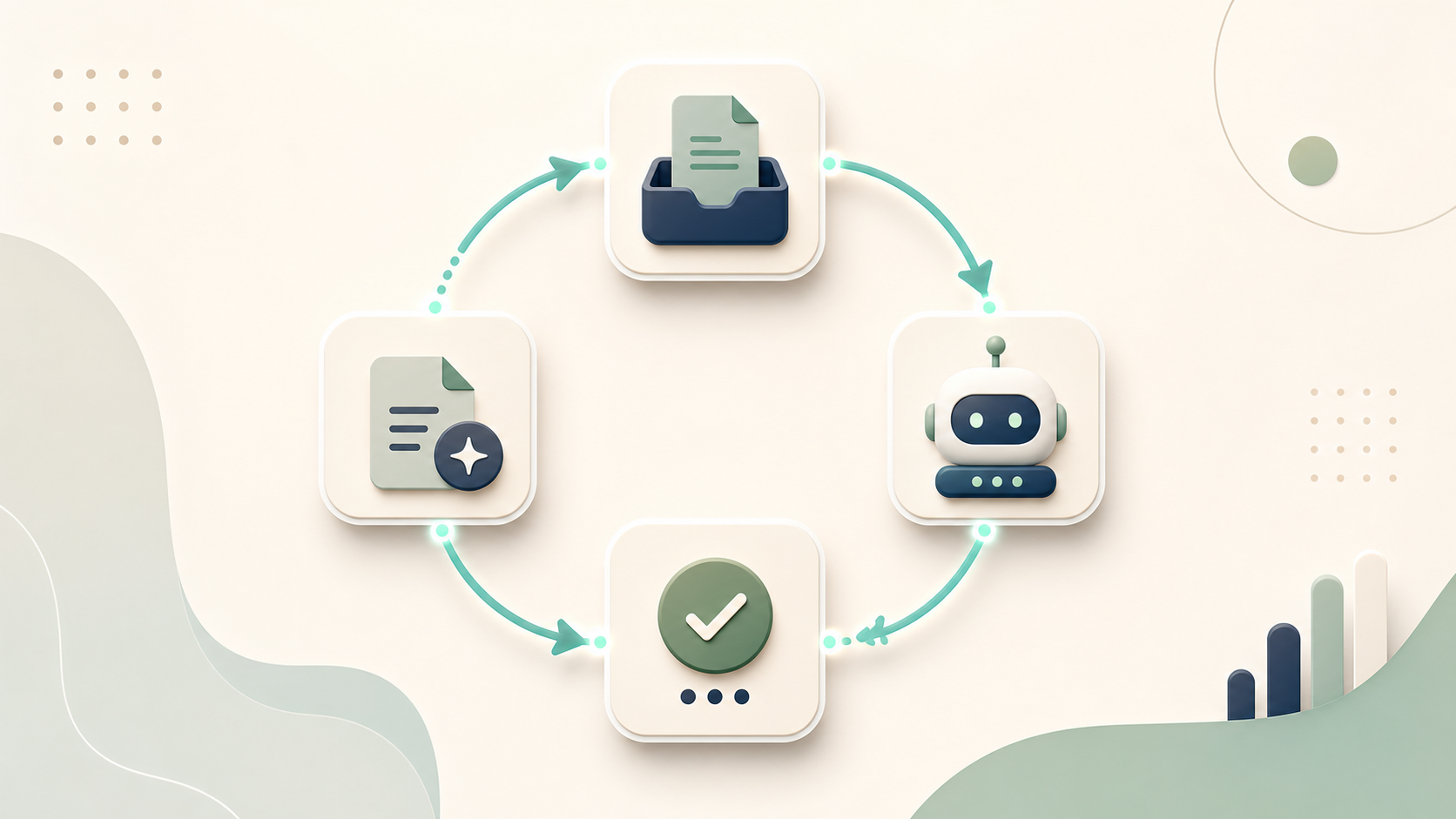
A clean infographic-style illustration showing a circular workflow loop: Input → AI Process → Output → Review → Ship. Each step has a small icon. Minimalist flat design, dark background, glowing circuit-style connection lines in teal. No text labels needed.

The Weekly Review Workflow

This is one of the most immediately useful AI workflows you can build. It takes about 10 minutes on Friday afternoon and sets you up for Monday.

Step 1: Brain Dump

Write a messy brain dump of everything that happened this week — wins, problems, decisions, loose ends. Don't organise it. Just dump.

Step 2: Paste + Prompt

*"Here is my unorganised brain dump from this week: [paste everything]. Please:

  1. Summarise the top 3 wins
  2. Identify the top 3 unresolved problems
  3. List any pending action items I mentioned
  4. Suggest 2 things I should prioritise first next week
  5. Identify anything I seem to be stuck on or avoiding"*

Step 3: Review the Output

Edit what AI gives you. Add context it couldn't know. Remove anything irrelevant.

Step 4: Extract Your Monday List

"Based on the above, write me a Monday morning brief: 3 priorities, 3 things to avoid getting distracted by, and one question I should ask myself at the end of the week."

That's it. A structured weekly review in under 10 minutes.


The Prompt Library: Build Yours

The most valuable thing you can build as an AI user is a personal library of prompts that work for your job and life.

Template:

[PROMPT NAME]
Use case: [when to use this]
Prompt:
"[the actual prompt with [brackets] for the parts you fill in each time]"
Expected output: [what you get]

Example entry:

[DIFFICULT EMAIL]
Use case: When I need to write a firm but professional email
Prompt:
"I need to write an email to [person/company] about [situation].
My goal: [desired outcome].
Relationship: [describe].
Tone: firm but professional, not emotional.
Constraints: under [word count] words, no [things to avoid].
Write the email."
Expected output: A ready-to-edit professional email

Coding Challenge: Build a Prompt Template Formatter

This script takes your workflow details and formats them into a ready-to-use AI prompt:

python-runner.pyInteractive

Your 5-Minute AI Habit

The people who get the most out of AI are not necessarily the most technically skilled. They are the most consistent.

The habit: one AI task per day for the next 7 days.

Monday: Summarise one document Tuesday: Draft one email you've been putting off Wednesday: Use vision AI on one image Thursday: Ask AI to explain one concept you don't fully understand Friday: Run your weekly review workflow

Seven days. Fifty-two weeks a year. That's 52 weekly reviews, 52 document summaries, 52 prompts you'd otherwise have never written.

Compounded, that's a superpower.


You're almost done. One final lesson: the AI IQ Assessment — which will tell you exactly which path to take next based on where you want to go.

Up next: Lesson 10 — The AI IQ Quiz (find your path)