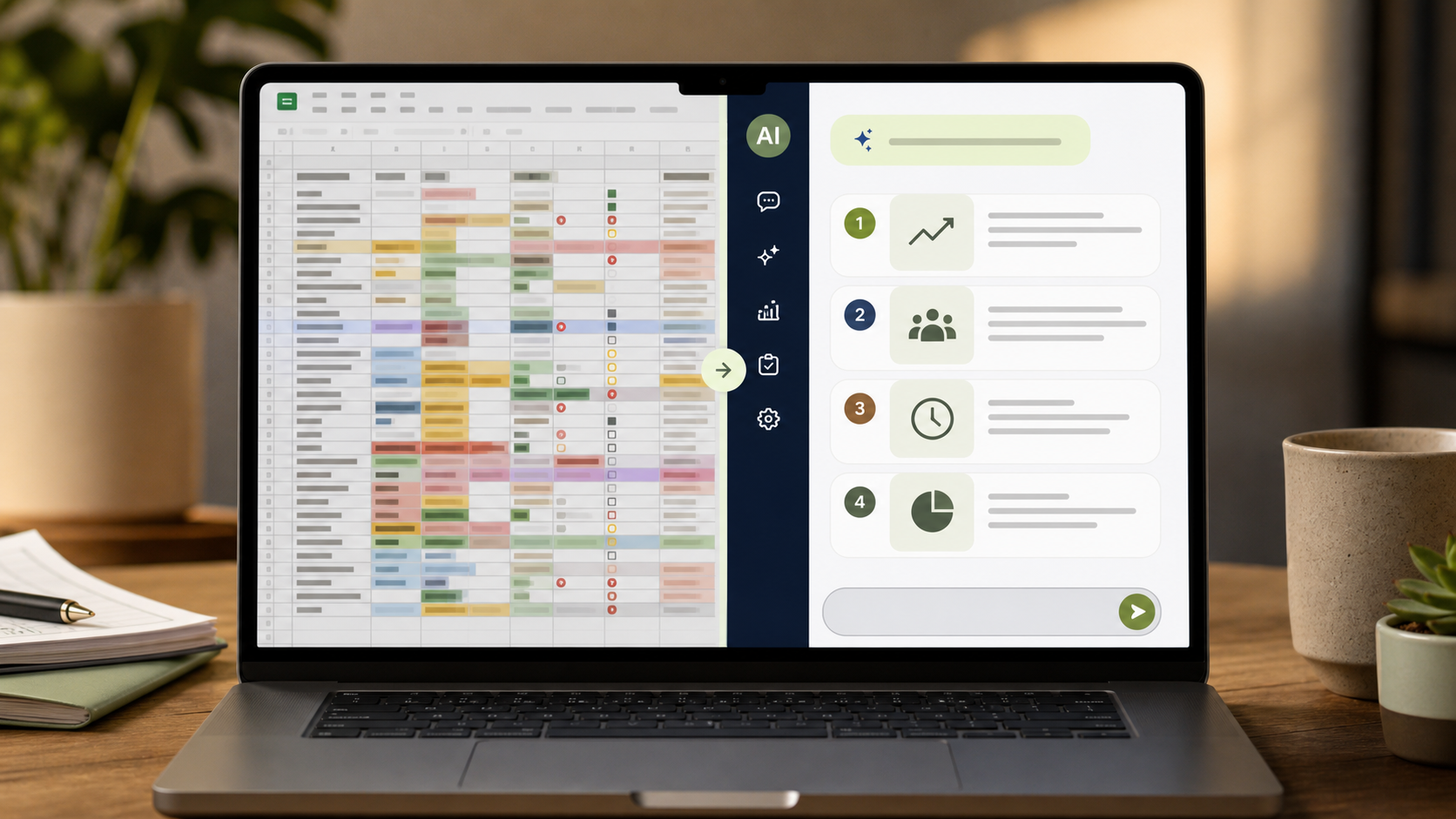
What To Ask
Quick analysis
"Here is a table of sales data. What are the top 3 insights?"
Outliers
"Which line items look unusually high or suspicious?"
Comparison
"Compare these two months. What improved and what got worse?"
Ranking
"Rank these products from best to worst and explain why."
Trend
"What pattern does this six-month data suggest?"
Ask the question you care about. Do not dump a spreadsheet and say "analyze this."
Practice Check: Good Data Questions
Multiple Choice
"Analyze this" is usually a worse data prompt than asking for a specific trend, outlier, or ranking.
Rate my prompt — how many rubric items can you hit?
Your Mission
You have monthly sales figures for 4 products over 6 months. Write the prompt you would give the AI to find which product is growing fastest, which is declining, and what the overall trend is.
Ask a question about the data. Do not just ask for generic analysis.
Rate my prompt — how many rubric items can you hit?
Your Mission
You pasted an expense report into AI and want it to flag anything unusual. Write the prompt you would give the AI.
Tell AI what counts as useful analysis and what output will help you act.
Key takeaway: Data becomes useful when you ask a real business question, not when you ask AI to admire the spreadsheet.
Up next: Lesson 8 - Rapid learning with AI as your tutor