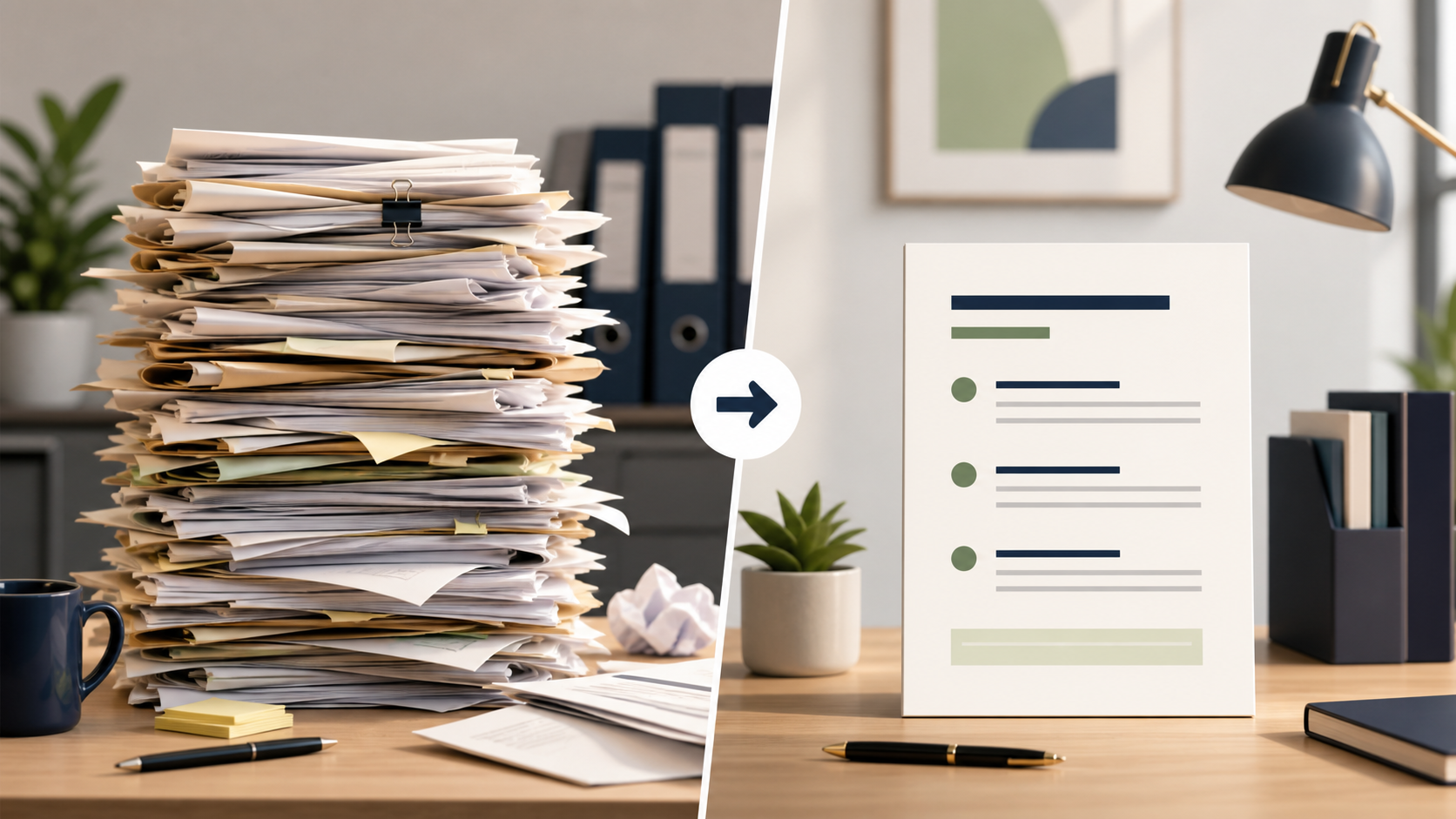
Your boss just sent you a 47-page government report and wants your thoughts by 3pm.
Old way: 2 hours of painful skimming, hoping you didn't miss the important part on page 31.
New way: paste it into Claude or ChatGPT, ask the right question, and get a 5-point briefing in 20 seconds.
IMAGE PLACEHOLDERDALL-E 3 / Midjourney / IdeogramA dramatic split-screen illustration: on the left, a towering stack of dense printed documents with a tiny overwhelmed person at the bottom. On the right, a single clean one-page summary with clear bullet points glowing on a dark background. Minimalist flat design, teal accent colours. No text.
The Document Summarisation Toolkit
The Quick Brief
"Summarise this document in 5 bullet points. Focus on the key findings, recommendations, and any action items. Each bullet should be under 2 sentences."
The Executive Summary
"You are a senior analyst. Read this report and write a 200-word executive summary for a busy CEO. Lead with the most important finding. Use plain language, no jargon."
The Specific Question
"Based on this document, answer the following question: [your specific question]. Quote the relevant section if possible."
The Action Extractor
"List every action item, deadline, or recommendation mentioned in this document. Format as a table with columns: Action | Owner (if mentioned) | Deadline (if mentioned)."
The Contradiction Finder
"Read this report and identify any claims or data points that seem inconsistent or contradictory. List them with the relevant page or section."
For Different Document Types
| Document Type | Best Prompt Approach |
|---|---|
| Legal contract | "Summarise the key obligations for each party. Highlight any unusual clauses." |
| Research paper | "Explain the main finding, the methodology, and the limitations in plain English." |
| Meeting transcript | "Extract: decisions made, action items with owners, open questions." |
| Annual report | "What are the 3 most important numbers and what do they tell me?" |
| Terms & conditions | "What are the most important things I need to know before signing this?" |
| News article collection | "What is the common theme? What are the 3 most important developments?" |
The "Talk to Your Document" Technique
Once you've pasted a document, you can ask follow-up questions like it's a conversation:
- Paste the document: "Here is a document I need help with: [paste]"
- Ask your first question: "What is the main argument?"
- Then drill down: "What evidence do they give for that claim?"
- Then challenge it: "What counterarguments are not addressed?"
- Then apply it: "What should I do differently based on this?"
Interactive Exercise: Text Processing
This exercise shows you how to find the most common words in a piece of text — useful for quickly understanding what a document is about:
python-runner.pyInteractive
The "Too Long; Didn't Read" Chain
For very long documents (books, lengthy reports), use this chain:
- "Summarise this document in 10 bullet points" (get the big picture)
- "Which 2 of those points are most important for someone in [your role]?" (filter by relevance)
- "Expand on point [X] with more detail" (drill into what matters)
- "What should I do based on this?" (turn insight into action)
Each step builds on the last. You go from 50 pages to a personal action plan in under 5 minutes.
Key takeaway: Documents are no longer obstacles — they're inputs. Give AI the context, ask the right questions, and extract exactly what you need.
Up next: Lesson 7 — Basic data crunching without a single line of code