AI just grew eyes.
For years, AI was text-only. You could talk to it but not show it anything. That changed. Tools like Gemini, ChatGPT-4o, and Claude can now look at photos, screenshots, diagrams, charts, and handwritten notes — and tell you exactly what they see.
This unlocks a completely new category of problems you can solve.
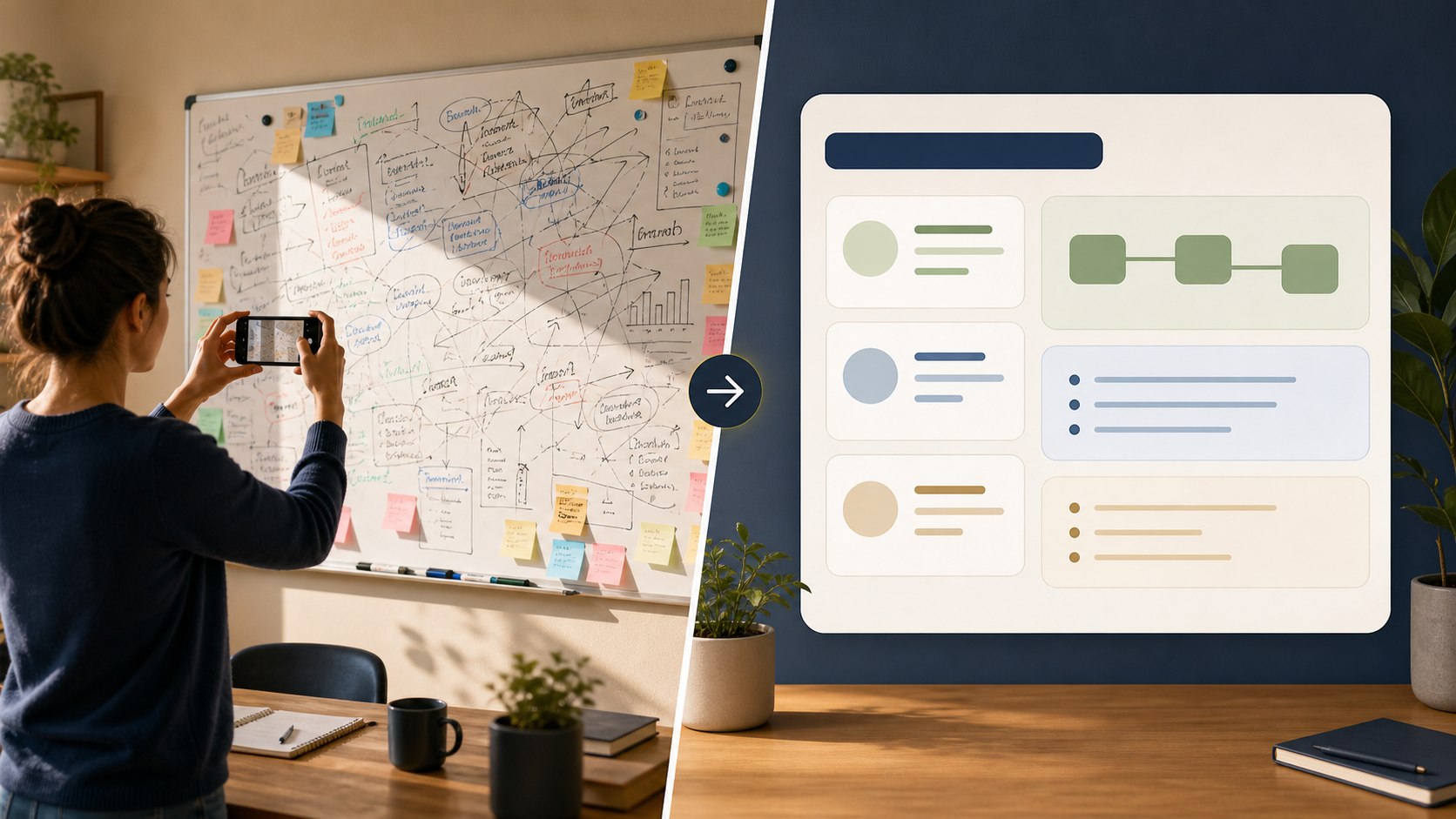
IMAGE PLACEHOLDERDALL-E 3 / Midjourney / IdeogramA futuristic split-screen illustration: on the left, a person holds up their phone to photograph a complex diagram. On the right, a clean AI interface displays structured insights extracted from that image. Dark background, electric blue and teal UI accents. No text.
5 Things You Can Do With Vision AI Today
1. Identify Plants, Animals, Objects
Snap a photo of that mystery plant in your garden → ask "What plant is this and how do I care for it?"
Find a bug in your house → ask "What insect is this? Is it harmful?"
2. Read & Extract Text from Images
A menu in a foreign language. A handwritten note. A screenshot of a document you can't copy-paste from. Just upload it and ask "What does this say?" or "Translate this to English."
3. Analyse Charts & Graphs
Upload a chart from a report and ask:
- "What trend does this show?"
- "Summarise the key insight in one sentence"
- "What's the biggest change between 2022 and 2024?"
4. Critique & Improve Designs
Upload a screenshot of your website, slide, or document and ask:
- "What's wrong with this layout?"
- "How would you improve the visual hierarchy?"
- "Is this colour scheme readable for someone with colour blindness?"
5. Turn Physical Notes Into Digital Text
Photo of whiteboard brainstorm → "Turn this into a structured bullet list"
Handwritten to-do list → "Transcribe this and sort by priority"
Watch It In Action
VIDEO PLACEHOLDERRunway / Sora / KlingScreen recording (60–90 sec): Open Gemini (gemini.google.com). Upload a photo of a food label. Ask "What are the top 3 ingredients I should be aware of from a health perspective?" Show the response. Then upload a screenshot of a complex spreadsheet and ask "What's the main insight from this data?" Record in 1080p, dark mode, no background music.
Try It Now
- Go to gemini.google.com (free account)
- Click the image upload button (camera icon)
- Upload any photo — your lunch, a receipt, a page from a book
- Ask: "Describe what you see in detail" or "What useful information can you extract from this?"
You'll be surprised what it notices.
The Prompt Pattern for Vision
"[Here is an image of X]. Please [task]. Focus on [specific aspect]. Format your answer as [structure]."
Examples:
- "Here is a screenshot of my email inbox. List the 5 emails that look most urgent based on subject lines only."
- "Here is a photo of my whiteboard. Transcribe everything written on it and organise it into categories."
- "Here is a chart from our quarterly report. What does this tell me about customer growth in the last 6 months?"
Key takeaway: Vision AI turns your phone camera into an analysis tool. Anything you can photograph, you can now ask questions about.
Up next: Lesson 4 — Party & Event Planning (AI as your personal assistant)