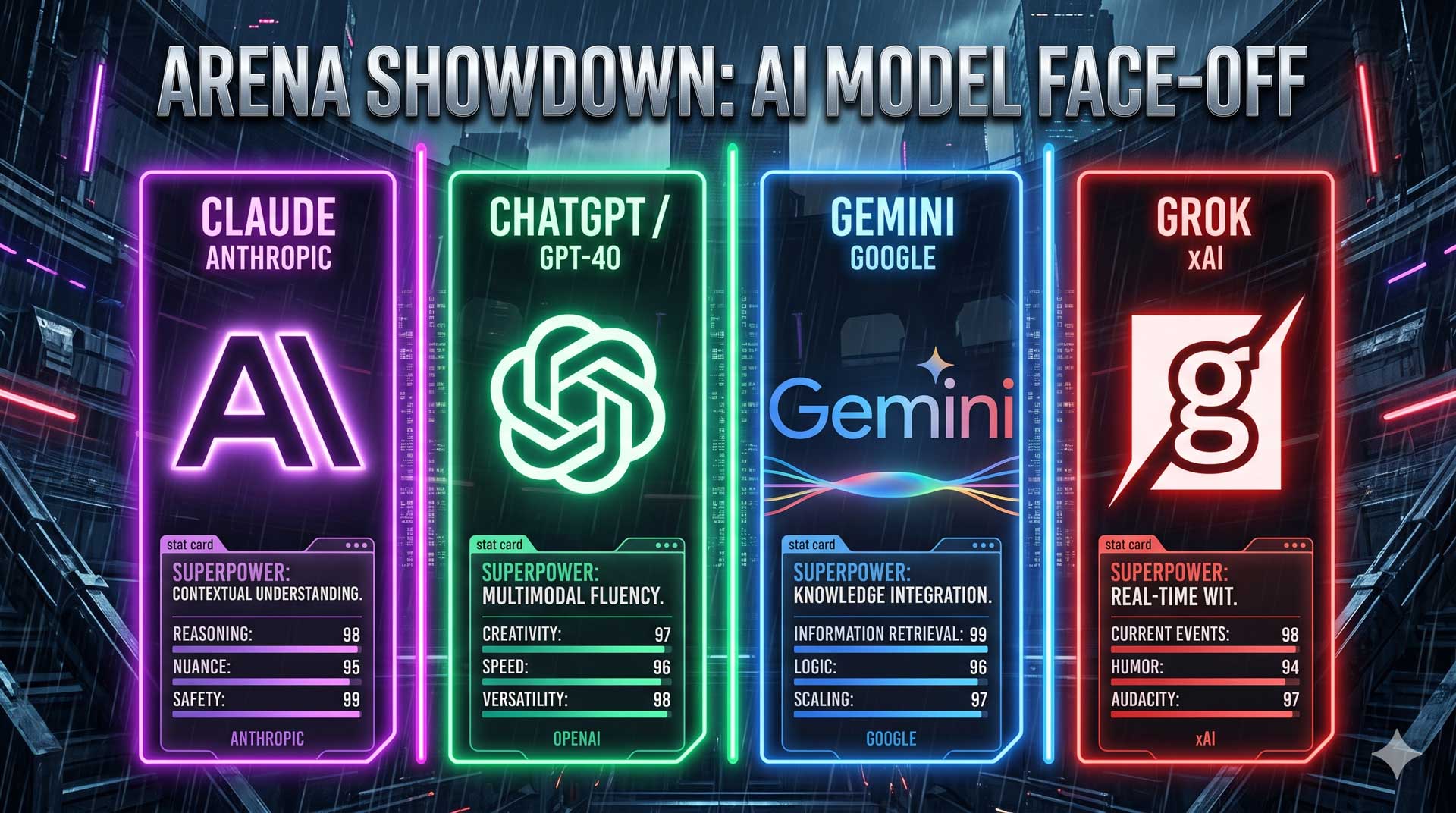
The New Map
When someone says "AI tool," ask: what kind of output do I need?
| Tool family | Use it for | Examples |
|---|---|---|
| Chatbots | Thinking, writing, analysis, coding, planning | GPT 5+, Claude Opus 4+, Gemini Pro 3+, Grok 4+ |
| Image generation | Logos, concepts, product mockups, blog headers, campaign visuals | Gemini / Nano Banana, ChatGPT Images, Flux, Ideogram |
| Video generation | Short clips, b-roll, ad concepts, scene tests | Veo 3, Runway, Kling |
| Music generation | Songs, jingles, background tracks, rough soundtrack ideas | Suno, Udio, Producer.ai |
| Voice generation | Narration, character voice, voiceover drafts, multilingual audio | ElevenLabs, PlayHT, Resemble AI |
Model names change constantly. Use the family names as your stable map, and treat the specific version numbers as the current best available options inside each family.
Chatbots: Your Thinking Partner
Use chatbots when the output is mostly language, reasoning, planning, reviewing, or code.
Current frontier examples include OpenAI GPT 5+, Claude Opus 4+, Gemini Pro 3+, and Grok 4+. If your account shows newer minor versions, use the newest strong model available.
What each is known for:
- Claude Opus 4+: exceptional software coding, debugging, architecture thinking, long writing, careful document review, and nuanced reasoning.
- GPT 5+: strong general-purpose work, structured writing, multimodal work, image creation inside ChatGPT, and flexible business tasks.
- Gemini Pro 3+: strong Google ecosystem fit, very large-context work, research workflows, image creation, and video generation through Google's media tools such as Veo 3.
- Grok 4+: social/current-event awareness and X ecosystem context when that is the job.
Try It Now: Chatbot Prompt
Open ChatGPT, Claude, Gemini, or Grok. Write your own prompt for one normal work task you actually have this week.
Use this structure:
You are helping me with [TASK].

Context:
[2-4 bullets about what this is for]

Please create:
[exact output]

Format:
[table, checklist, email, outline, brief, etc.]

Constraints:
[tone, length, what to avoid, what must be included]
Quick Game: Match the Chatbot Strength
Review Game
Chatbot Strength Match
Match each task to the chatbot family you would probably try first.
Debug a messy software feature and explain the architecture tradeoffs
Draft a polished client email and turn it into three shorter versions
Analyze a huge Google Doc and connect the answer to a spreadsheet workflow
Research what people are saying right now on X about a public launch
Image Generation: Visual Ideas Fast
Use image tools when you need a visual concept, not a paragraph.
Good beginner uses:
- Logo direction for a small business
- Product photo concepts
- Blog or YouTube thumbnail ideas
- Mood boards
- Social post visuals
Useful tools:
- Gemini / Nano Banana: fast visual ideation and image work inside the Gemini ecosystem.
- ChatGPT Images: convenient if you are already working in ChatGPT and want an image from the same conversation.
- Flux: strong image generation for realistic and stylized visuals.
- Ideogram: useful when the image needs better text handling, logos, signs, or typographic concepts.
Try It Now: Image Prompt
Open Gemini / Nano Banana, ChatGPT Images, Flux, or Ideogram. Write your own prompt for a visual you could actually use.
Use this pattern:
Create an image for [USE CASE].

Subject:
[what should be in the image]

Style:
[warm minimalist, premium editorial, playful, realistic, etc.]

Mood:
[calm, energetic, trustworthy, handmade, etc.]

Colors:
[brand colors or general palette]

Avoid:
[things you do not want]
Video Generation: Movement, Scenes, and Short Ads
Use video tools when movement matters: a product in use, a short social ad, b-roll, a scene concept, or a visual story.
Useful tools:
- Veo 3: Google's high-end video generation path inside the Gemini ecosystem.
- Runway: strong for short clips, ad concepts, editing workflows, and creative video experimentation.
- Kling: strong for cinematic video generation and motion-heavy concepts.
Try It Now: Video Prompt
Open Veo, Runway, Kling or other video gen AI. Many give you a few free generations. If not, still write the prompt so you understand the routing.
Create a 6-second realistic video for [BUSINESS OR PROJECT].

Scene:
[who/what is shown]

Action:
[what happens during the clip]

Camera:
[wide shot, close-up, slow push-in, handheld, etc.]

Mood:
[warm, premium, playful, calm, etc.]

Avoid:
[weird hands, distorted faces, text overlays, logos, etc.]
Music Generation: Sound Before Production
Use music tools when you need a song idea, jingle, background track, mood reference, or rough soundtrack direction.
Useful tools:
- Suno: fast song and jingle generation with vocals.
- Udio: strong for musical styles, song sketches, and more produced-feeling concepts.
- Producer.ai: useful for production-style music workflows and track ideation.
Try It Now: Music Prompt
Open Suno, Udio, Producer.ai or minimax.io/audio if you have access. Write a prompt for a business or creator project.
Create a short [STYLE] track for [USE CASE].

Mood:
[calm, upbeat, premium, nostalgic, playful]

Instrumentation:
[piano, acoustic guitar, synth, drums, etc.]

Tempo:
[slow, medium, energetic]

Avoid:
[cheesy corporate feel, harsh drums, lyrics, etc.]
Voice Generation: Narration and Audio Drafts
Use voice tools when the output needs to be spoken: narration, a course voiceover, character voice, multilingual audio, or a draft read-through.
Useful tools:
- ElevenLabs: strong, natural voice generation and voiceover workflows.
- PlayHT: useful for voiceover, commercial narration, and multilingual voices.
- Resemble AI: strong for custom voice workflows and controlled voice generation.
Try It Now: Voice Prompt
Open ElevenLabs, PlayHT, Resemble, or minimax.io/audio if you have access. Write a voice direction for a short narration.
Voiceover script:
[paste 2-4 sentences]

Voice direction:
Warm, clear, confident, and human. Sound like a helpful teacher, not an announcer.

Pacing:
Medium-slow, with slight pauses after key points.

Avoid:
Overly dramatic delivery, salesy tone, robotic pronunciation.
Game: Tool Family Sort
Drag & Drop Game
Tool Family Sort
Drag each real-world task into the tool family where you would start.
On mobile: tap a prompt tile, then tap the matching slot.
Prompt tiles
App slots
Chatbot
Drop a prompt tile here, or tap a tile and then tap this slot.
Image Generation
Drop a prompt tile here, or tap a tile and then tap this slot.
Video Generation
Drop a prompt tile here, or tap a tile and then tap this slot.
Music Generation
Drop a prompt tile here, or tap a tile and then tap this slot.
Voice Generation
Drop a prompt tile here, or tap a tile and then tap this slot.
Test Your Knowledge
Check your answer with Gemini.
Your Question
A local bakery wants three assets for a weekend promotion: a warm image of the pastry display, a 6-second video of a family picnic, and a short upbeat jingle. Which three tool families should they use, and name one app they could try for each?
This is not a prompt-writing test. The goal is to prove you can route the job before opening tools.